File:Droptable-example-arcticbeetle.png
Jump to navigation
Jump to search
Size of this preview: 383 × 599 pixels. Other resolution: 392 × 613 pixels.
Original file (392 × 613 pixels, file size: 31 KB, MIME type: image/png)
Summary[edit]

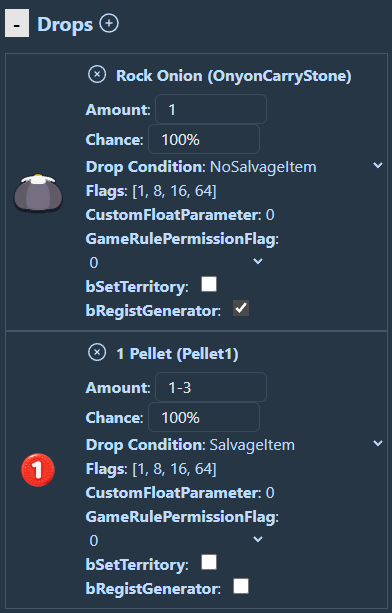
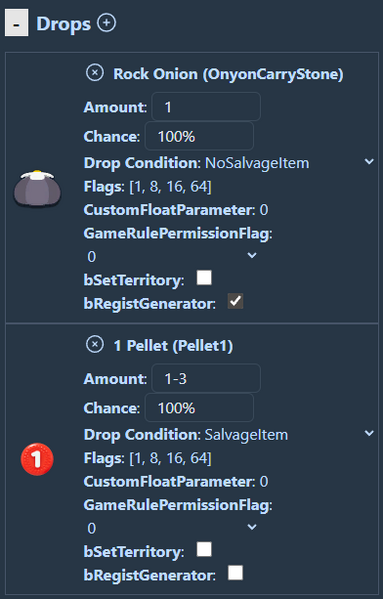
An example of how to use drop tables in Pikmin 4 modding tool Dandori Desktop+. It shows how an enemy that cannot drop more than one item at a time, such as the Arctic Cannon Beetle, can drop different items based on condition to somewhat work around this setback that most enemies do not have as they can drop more than one item at once.
File history
Click on a date/time to view the file as it appeared at that time.
| Date/Time | Thumbnail | Dimensions | User | Comment | |
|---|---|---|---|---|---|
| current | 22:12, 25 April 2026 | | 392 × 613 (31 KB) | Atyfaz (talk | contribs) | An example of how to use drop tables in Pikmin 4 modding tool Dandori Desktop+. It shows how an enemy that cannot drop more than one item at a time, such as the Arctic Cannon Beetle, can drop different items based on condition to somewhat work around this setback that most enemies do not have as they can drop more than one item at once. |
You cannot overwrite this file.
File usage
There are no pages that use this file.
